


Essential Smart Suitcase
What to do after it arrives
This guide provides instructions for setting up your new suitcase and answers frequently asked questions.
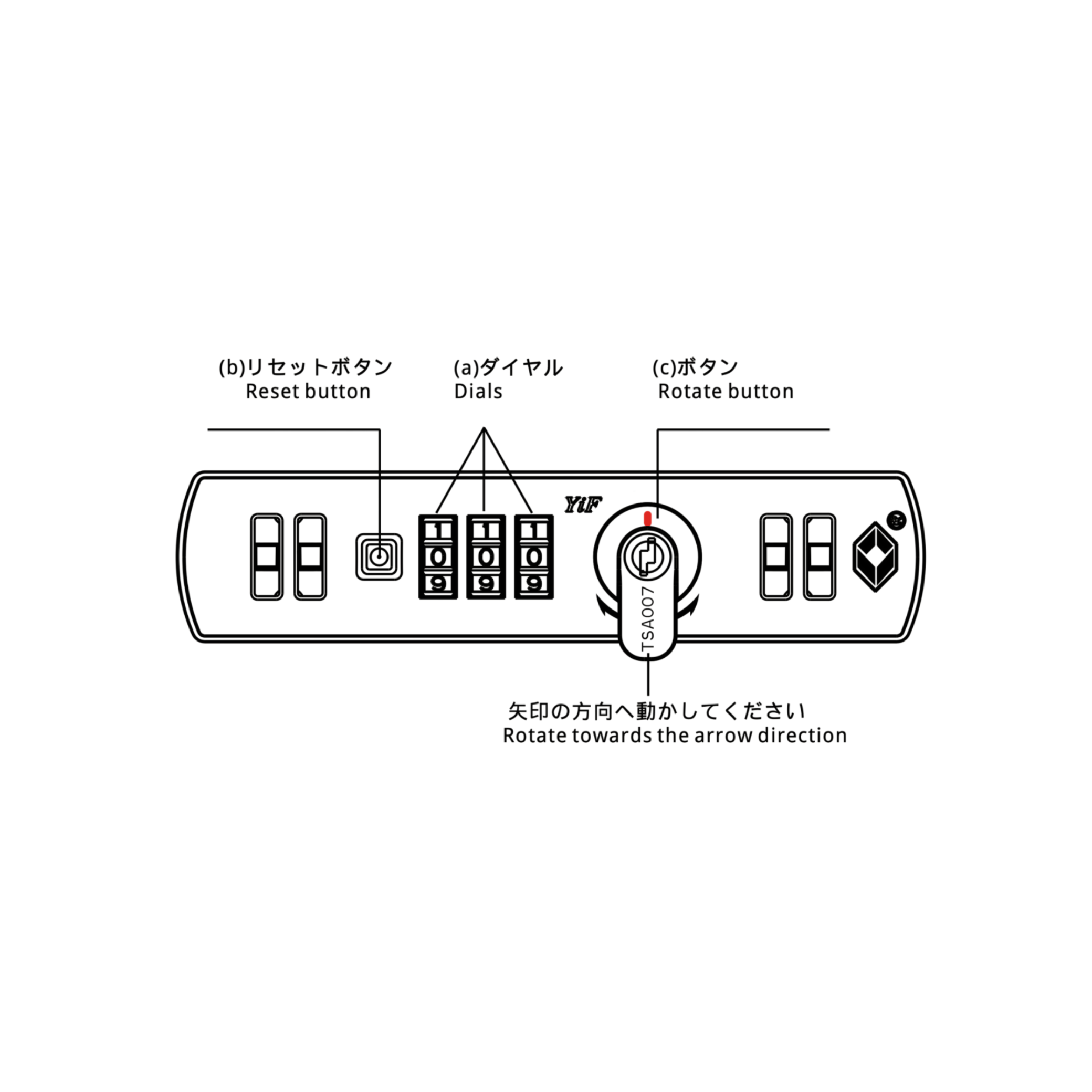
①How to set the TSA lock
The default combination is 0-0-0.
To set your preferred combination, follow these steps:
- Turn the dials to 0-0-0.
- Press the reset button (a) with a tool until you hear a "click" sound.
- Set the dials (b) to your desired code (e.g., 888).
- Press the push button (c) in the direction of the arrow. The reset button (a) will return to its original position with a "click" sound. The setup is complete.
[Important] Write down your new combination and store it in a safe place.
*To change or reset the combination, repeat steps 2-4 with the dials set to the current combination (e.g., 888).
Notes
①-② Misconfigured or forgotten TSA lock combination
Please always refer to the instruction manual or the steps on this page before setting your TSA lock.
For security reasons, you will be responsible for resolving any issues arising from forgotten lock numbers or incorrect settings. Please set the lock carefully and be sure to write down the number so you don't forget it.
If you are unable to open it, please unlock it using the method below.
①-iii How to unlock / reset the lock
Common examples of setting errors, which we frequently receive inquiries about, are as follows:
- The setting number was fixed before or after the intended number (e.g., 889 instead of 888)
- The setting was not completed, and it remains at the default "0-0-0".
If none of the above apply, and the lock combination has been completely forgotten, you will need to try all 1,000 combinations from "0-0-0" to "9-9-9" in order. The estimated time required to check all combinations is approximately 5 to 10 minutes.
■Request for unlocking by our company
If you wish for our company to unlock or identify the combination, please make a request using the link below.
- Cost: Round-trip shipping (customer's responsibility) + service fee of 1,980 yen (tax included)
- Service details: We will identify the lock combination, change it to your desired number, and return the item to you.
② Frequently Asked Questions
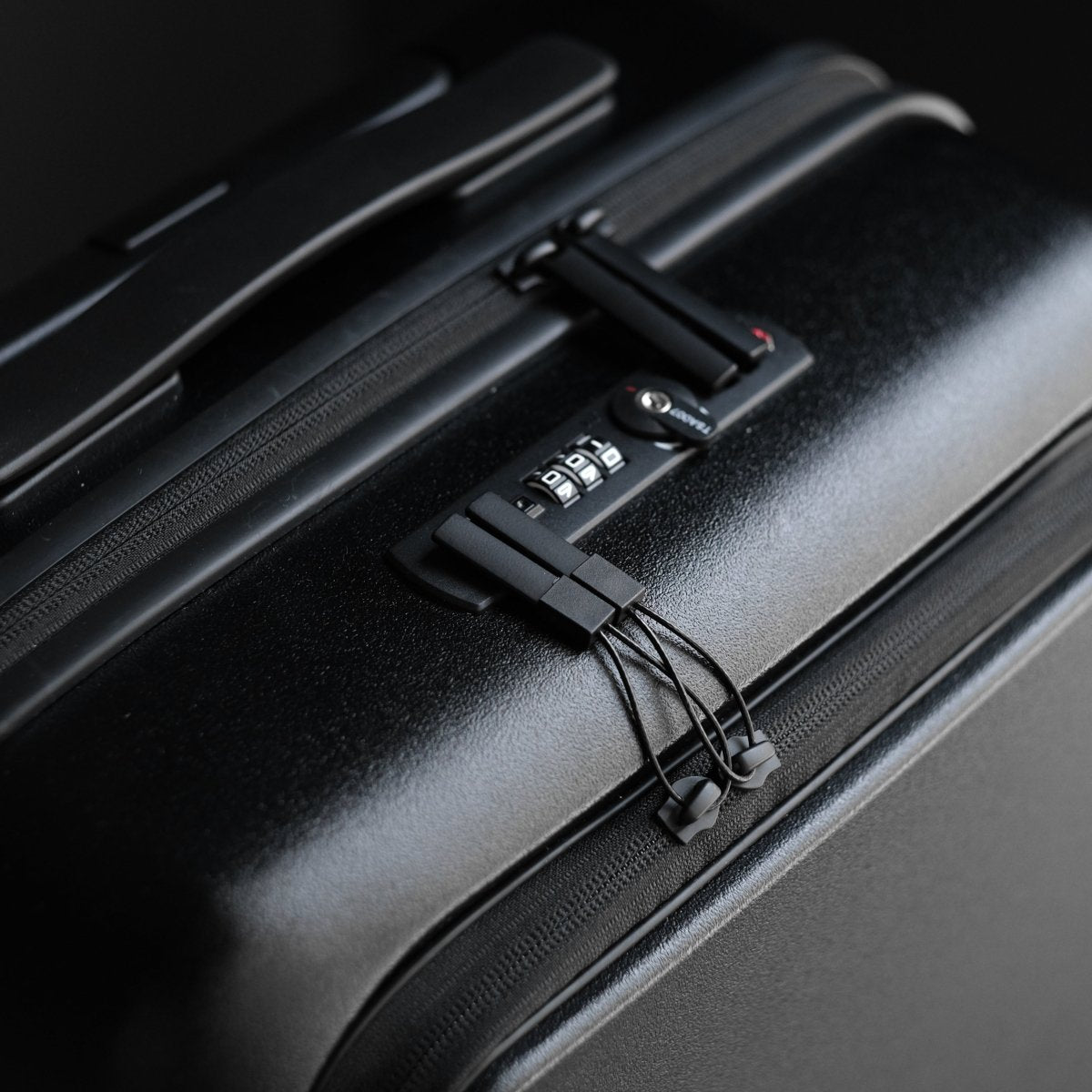
The keyhole on this product is for airport security personnel to use with a special key, so no key is included for customers. Please lock and unlock the product using the dial combination you have set.
The zipper for interior maintenance does not have a "pull tab" due to the specifications. This is to prevent damage to your belongings, as this zipper is only used for product repairs and maintenance.
When cleaning, we recommend using tap water and a soft towel.
Using alcohol may lead to fine scratches or cloudiness.
If the dirt does not come off with tap water, we recommend using a diluted neutral detergent.
After cleaning, always wipe dry to prevent leaving marks.
If the above does not resolve your issue, please feel free to contact us via the chat in the bottom right corner or our official LINE account.